DocAzzet Private beta
Your documents are your assets. Keep them in your control.
Family document vault with an AI assistant. Every family paper in one place, a reminder before anything expires, and answers that show the page they came from.
A product by MusingBrain
Made for the papers every family keeps
- Aadhaar
- PAN
- Insurance policies
- Driving licence
- PUC
- Bills
- Medical reports
A quick walkthrough
From a new account to the family tree
Seven steps, the way a family starts with DocAzzet. Real screens from the app, with made-up sample data.
-
Step 1 of 7
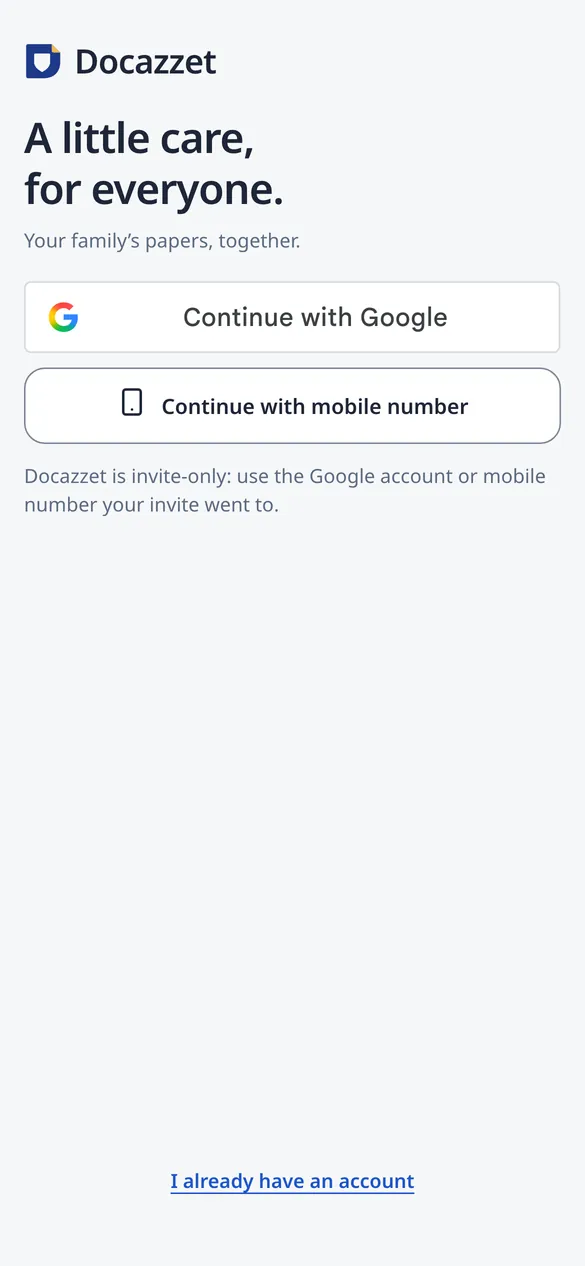
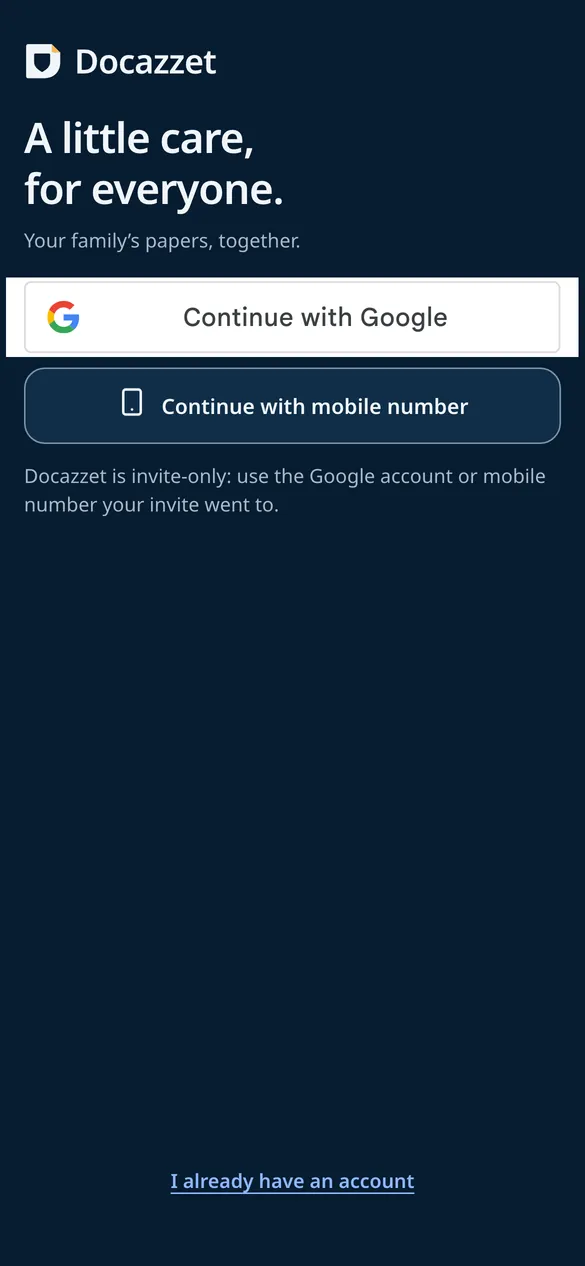
Open your vault
Sign in with Google or your mobile number, then set a PIN that opens the vault on this phone.
- Google or mobile number
- Your own PIN
- Invite-only in the beta
-
Step 2 of 7
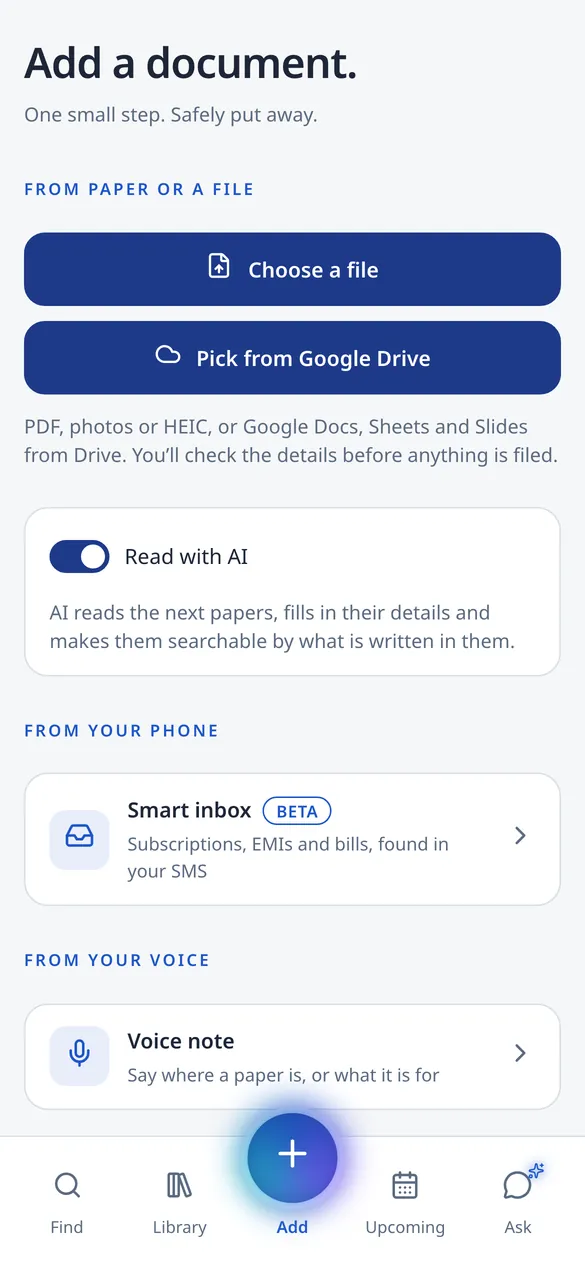
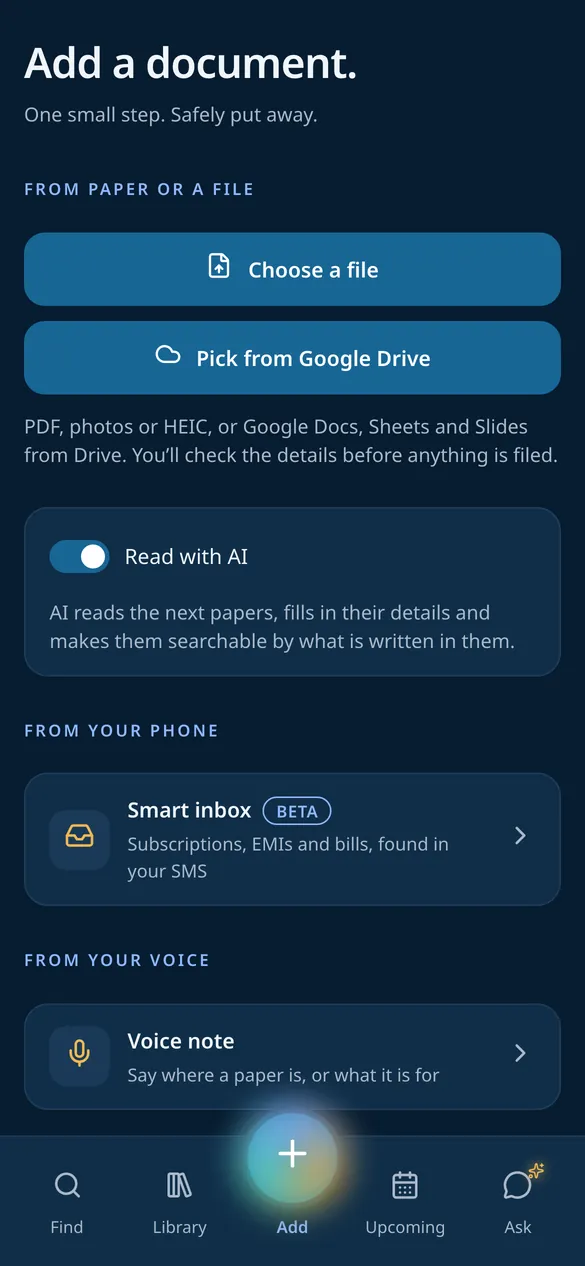
Add your first paper
Choose a file, pick it from Google Drive, scan it with the phone, or share it in from WhatsApp, Gmail or Files.
- PDF, photos, HEIC
- Google Drive
- Scan and share in
-
Step 3 of 7
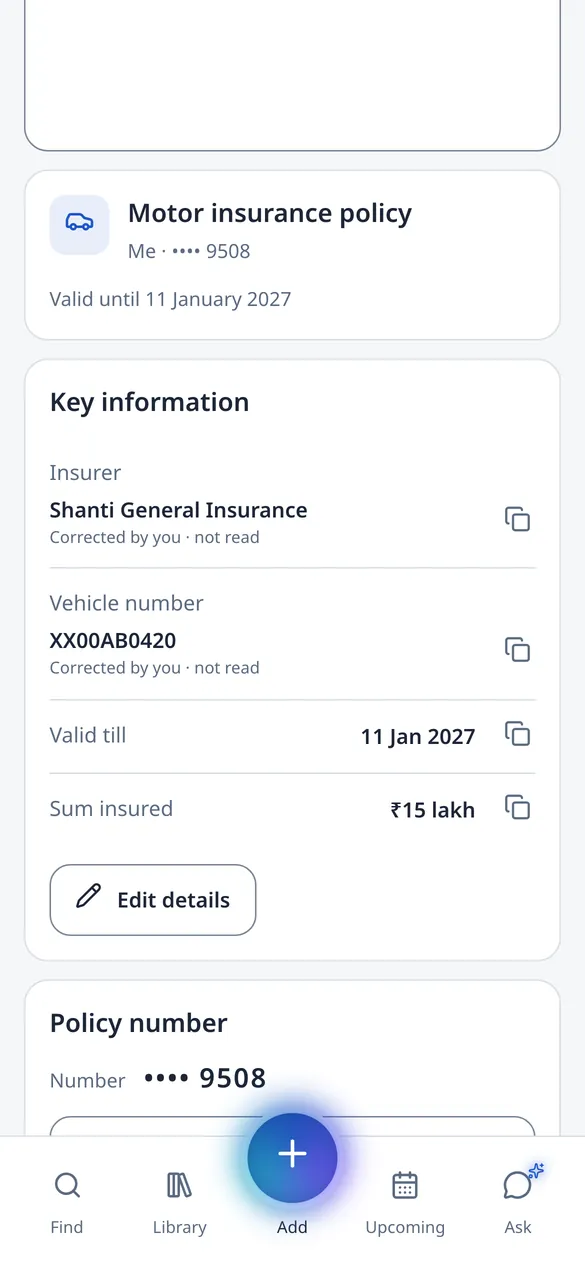
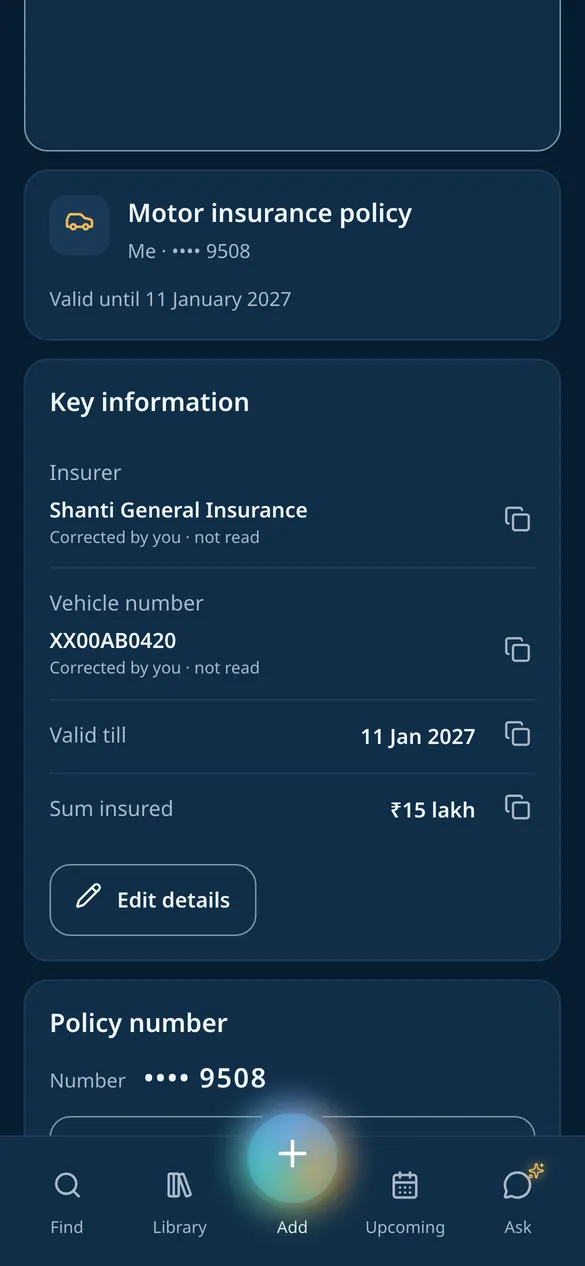
DocAzzet reads it
It works out what the paper is and picks out what matters: the insurer, the vehicle number, the date it runs out, the sum insured. You can correct anything.
- Key details picked out
- Dates become reminders
- Numbers hidden behind your PIN
-
Step 4 of 7
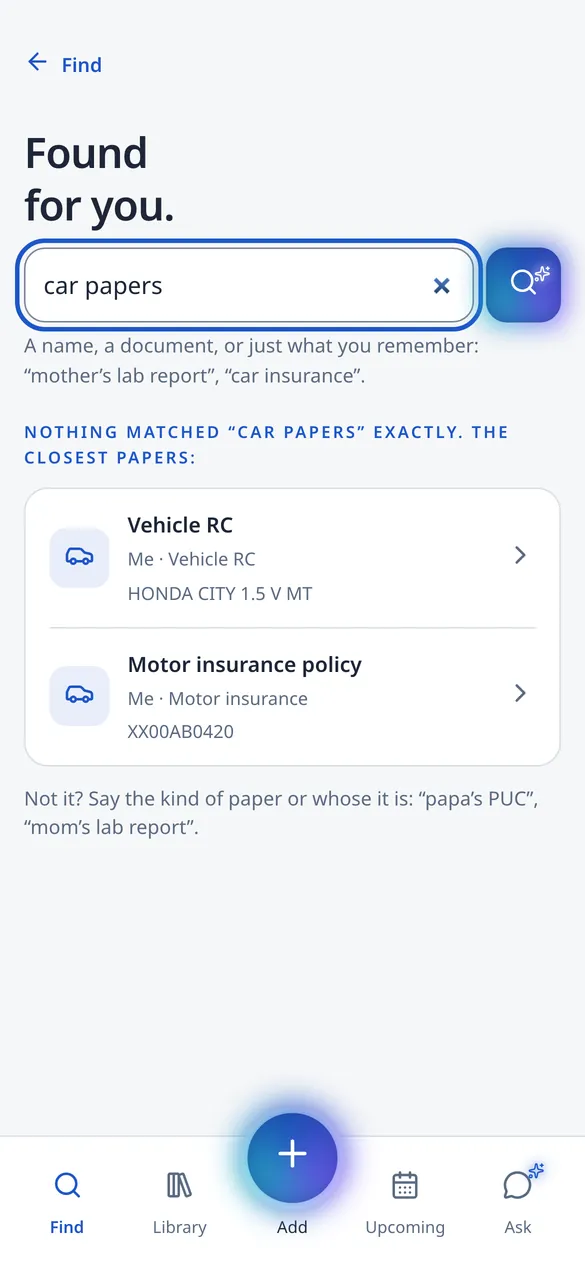
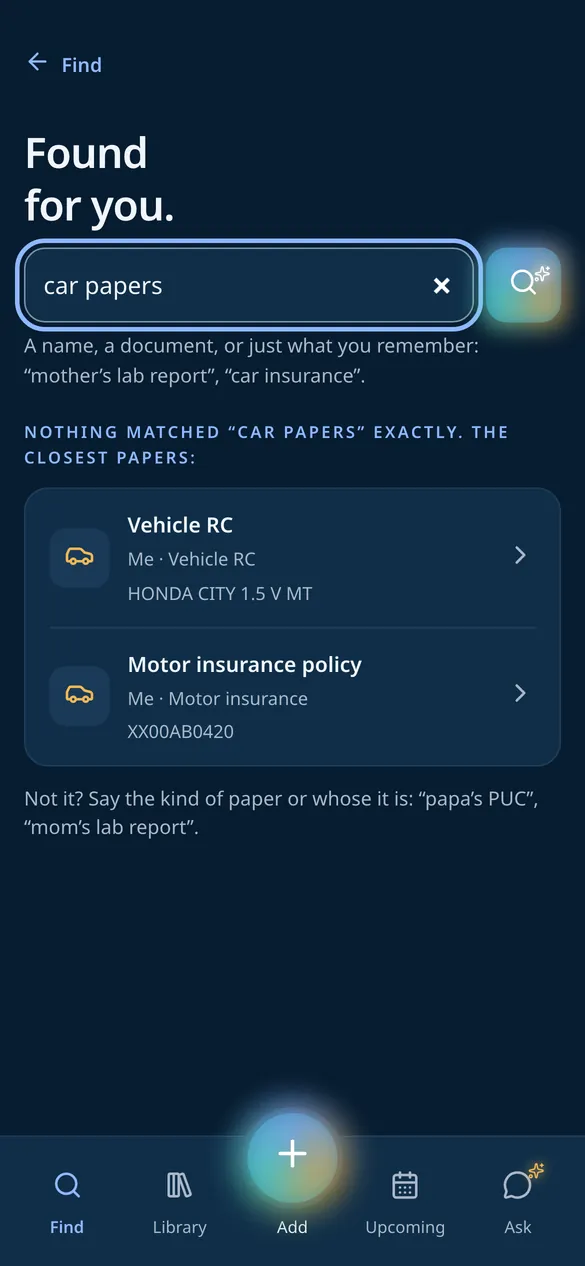
Find it with global search
One search box for the whole family’s papers, in your own words. “car papers” brings up the RC and the motor policy, even without those exact words.
- Search by meaning
- ID numbers and names
- Tags and kinds of paper
-
Step 5 of 7
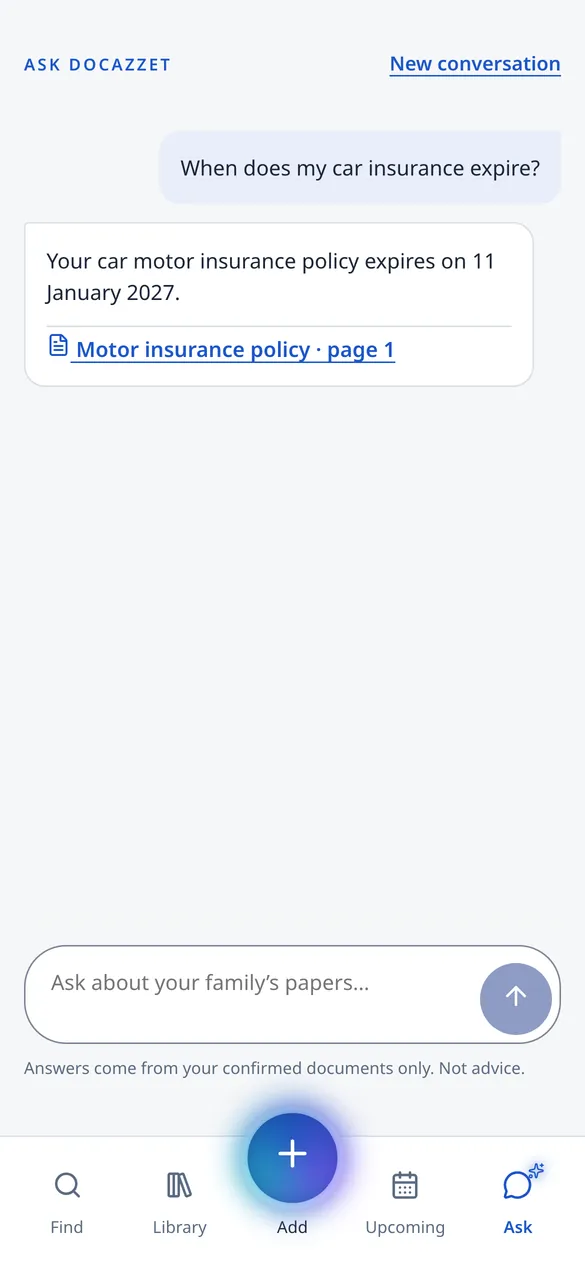
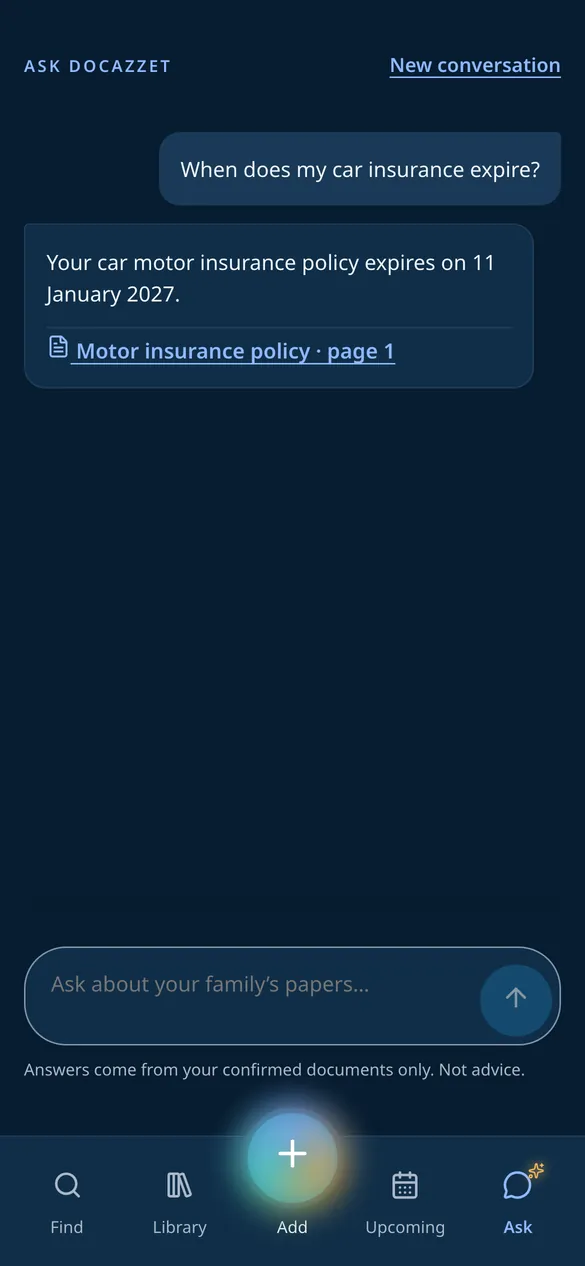
Ask about it
Ask DocAzzet a question about that paper. The answer comes from your documents only, with a link to the very page it was found on.
- Answers from your papers only
- A link to the page
- Says so when it is not there
-
Step 6 of 7
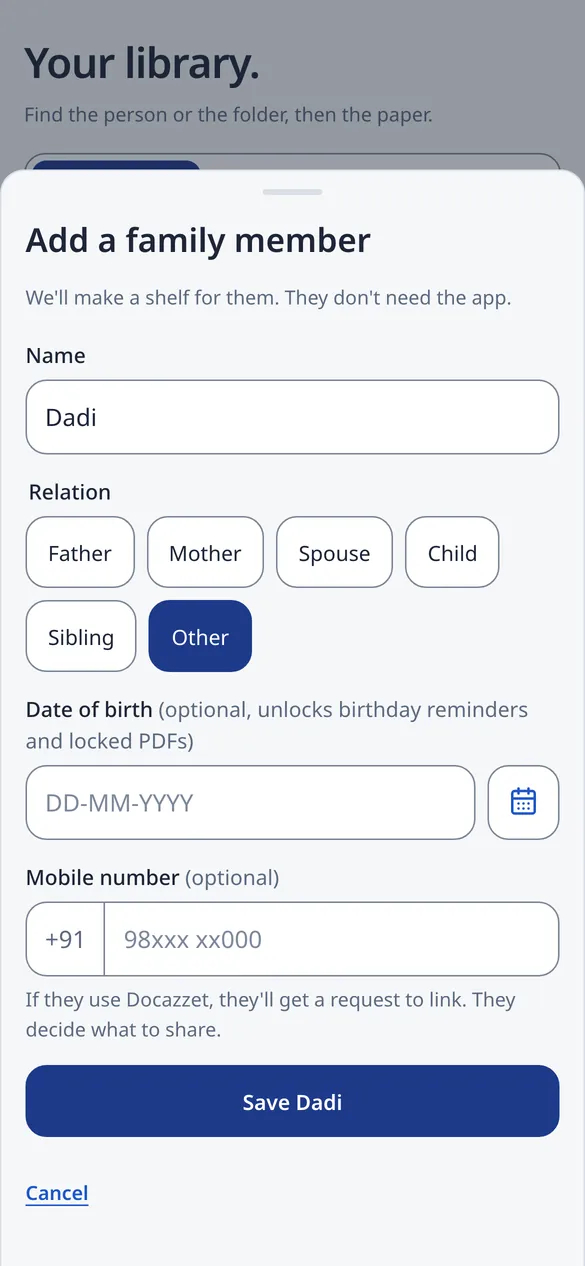
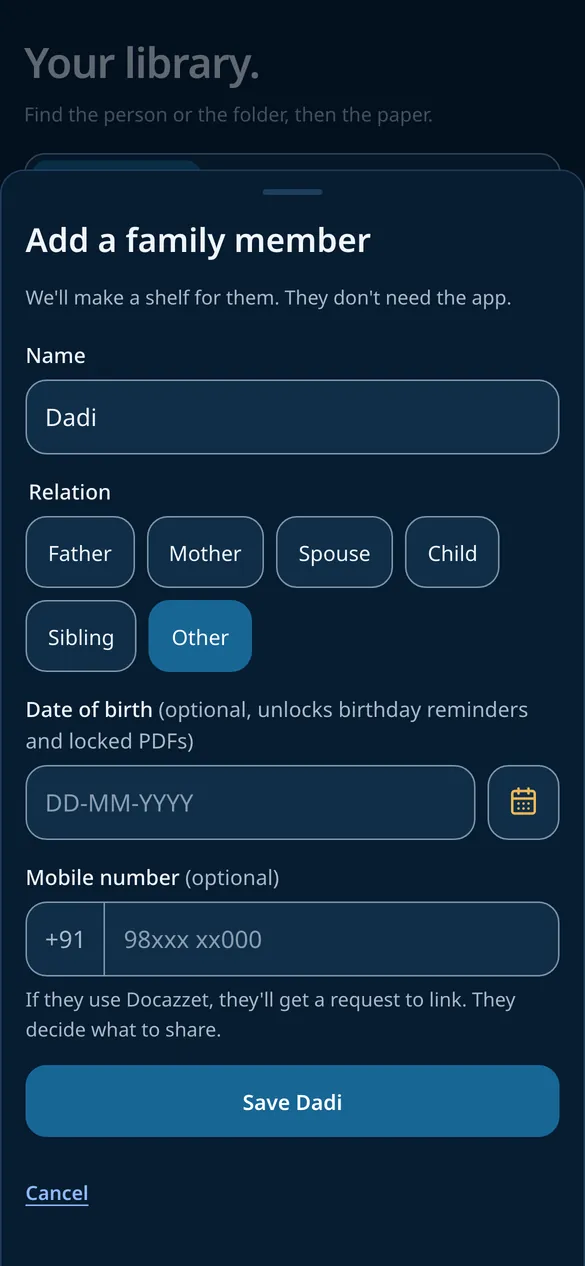
Add your family
Add parents, a spouse or children with a name and a relation. They get their own shelf and do not need the app.
- Name and relation
- Their own shelf
- Linking is their choice
-
Step 7 of 7
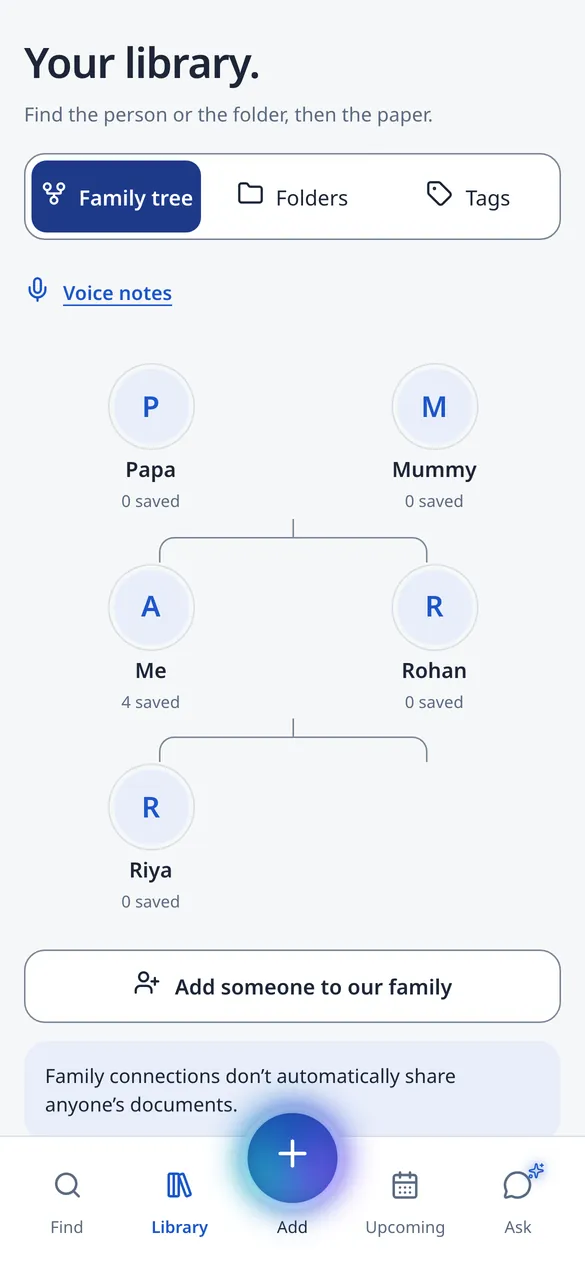
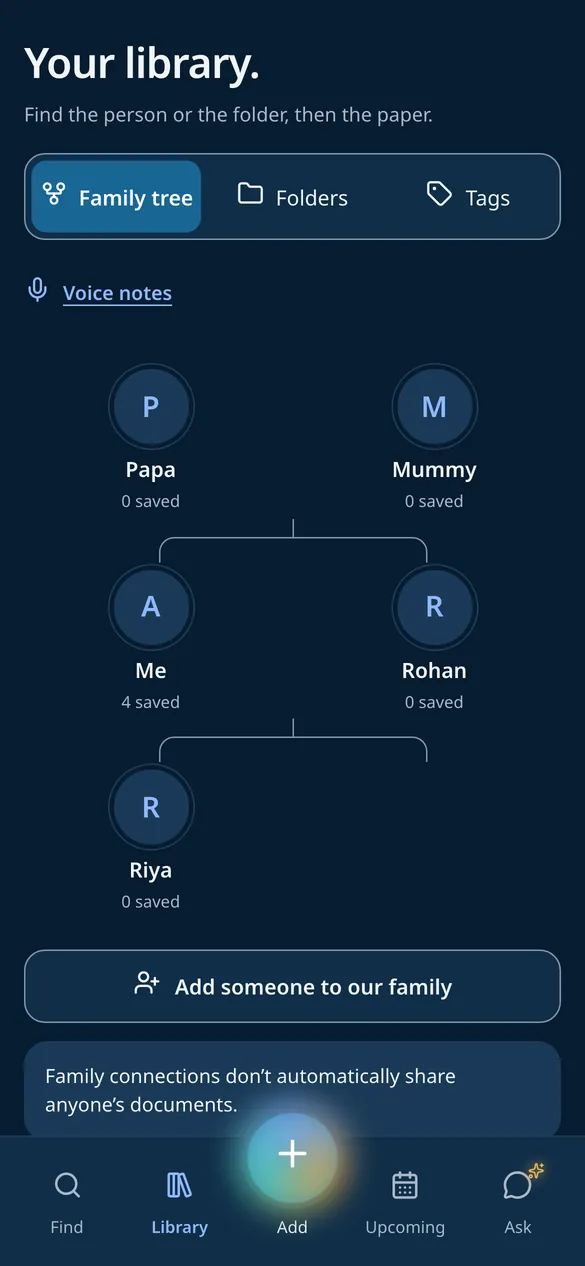
See the family tree
Everyone at home on one tree, each with their own papers. Tap a person to open their shelf.
- Everyone in one place
- Each person’s shelf
- Folders and tags inside
More in the app
The tools families ask for most
Passwords, voice notes, your SMS, self-attested copies, crop and global search. Pick one to see it in the app.
One search for the whole family
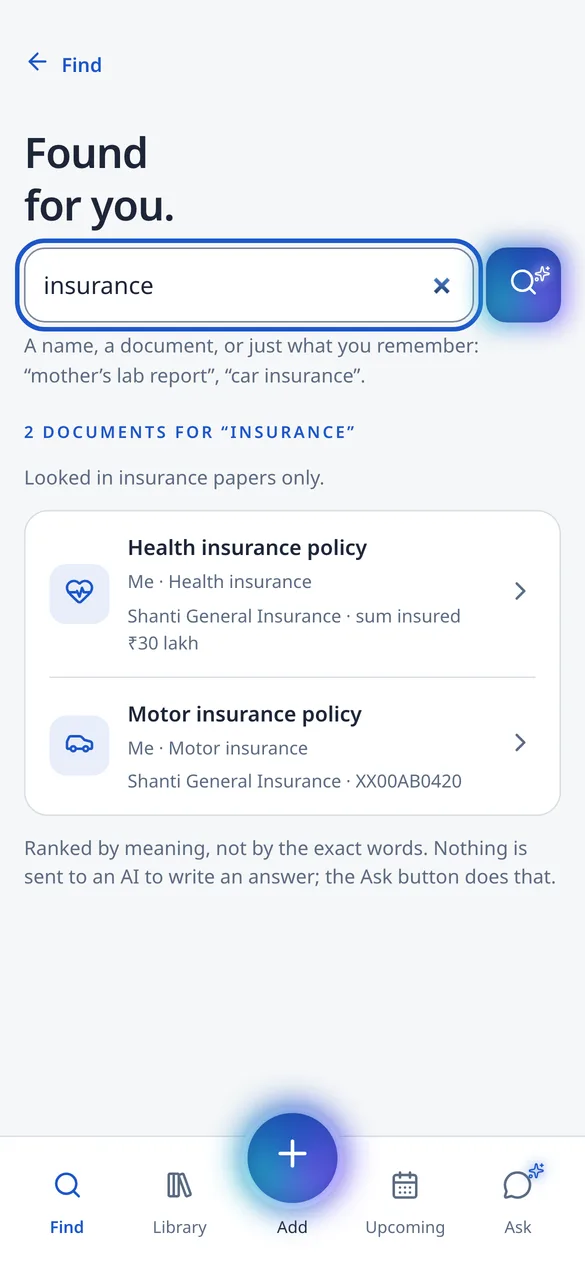
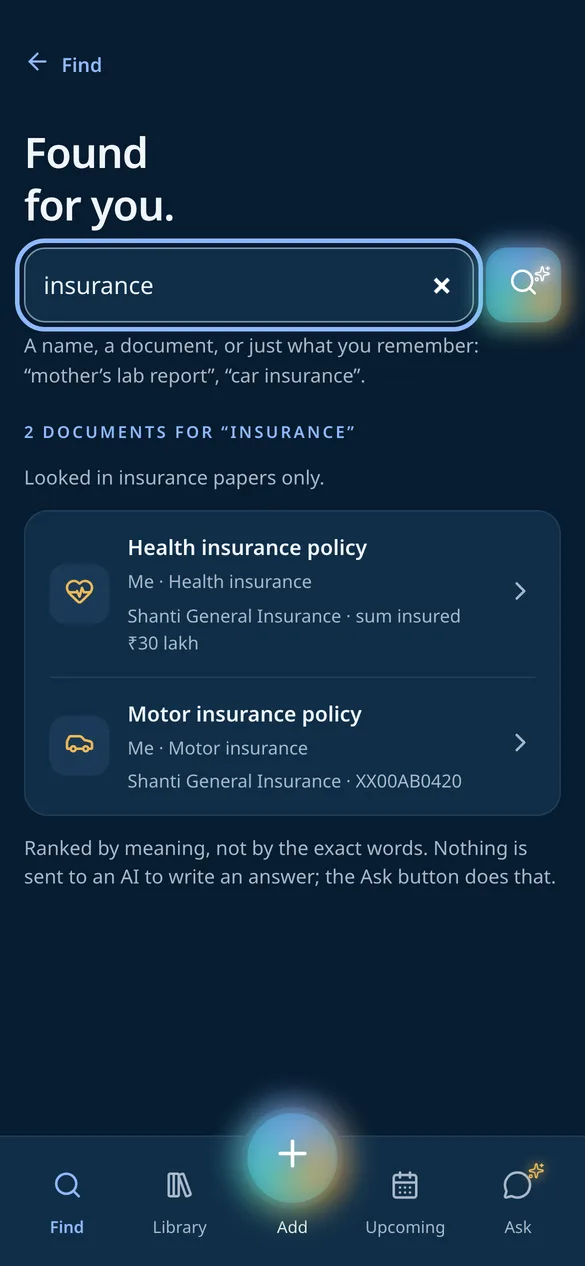
Search every paper at home from one box, in your own words. “insurance” brings up the health and the motor policy, with the insurer and the number on each.
- Search by meaning
- ID numbers, names and tags
- Voice notes too
Android
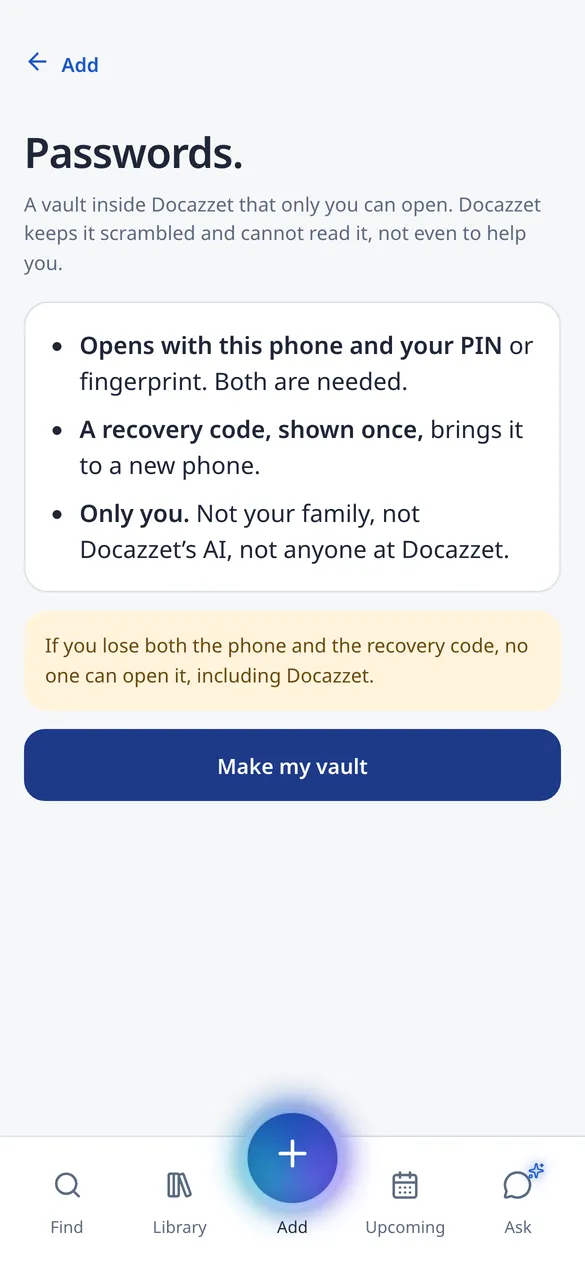
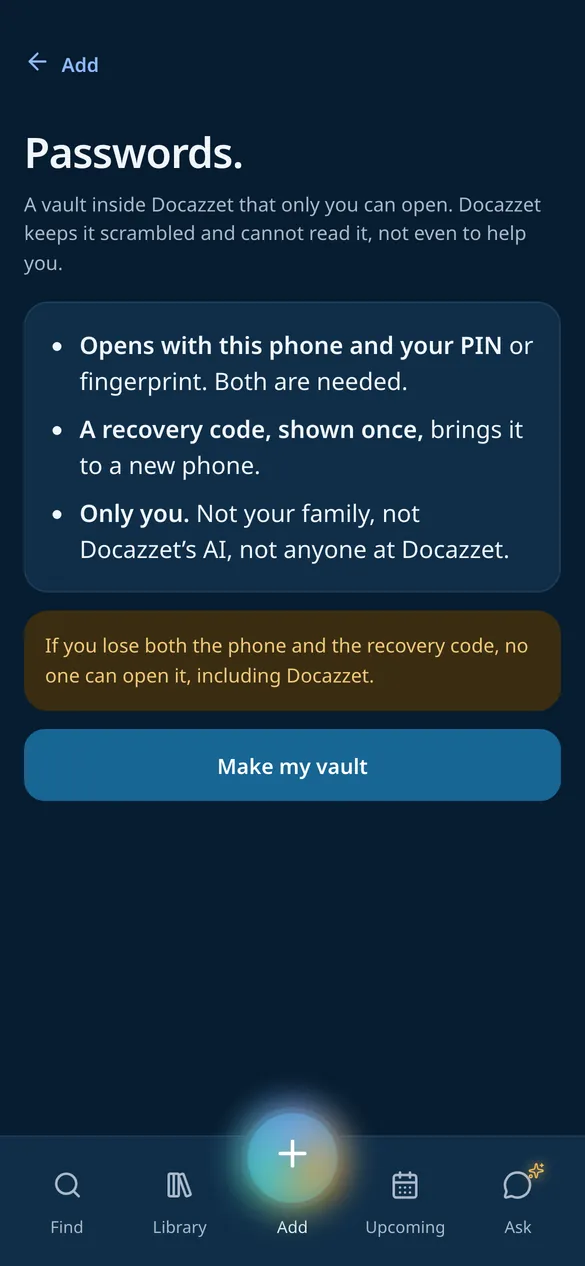
A passwords vault only you can open
Keep usernames and passwords next to your papers. They are locked on your phone with a key that never leaves it, so DocAzzet cannot read them.
- Your phone and your PIN
- A recovery code, shown once
- Not your family, not the AI
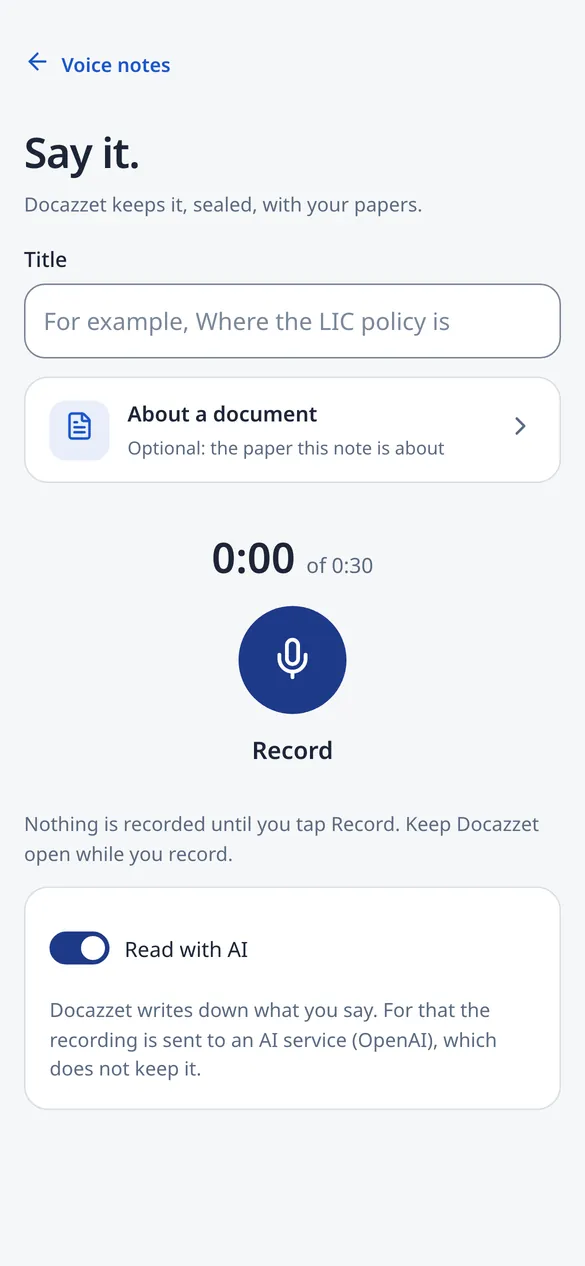
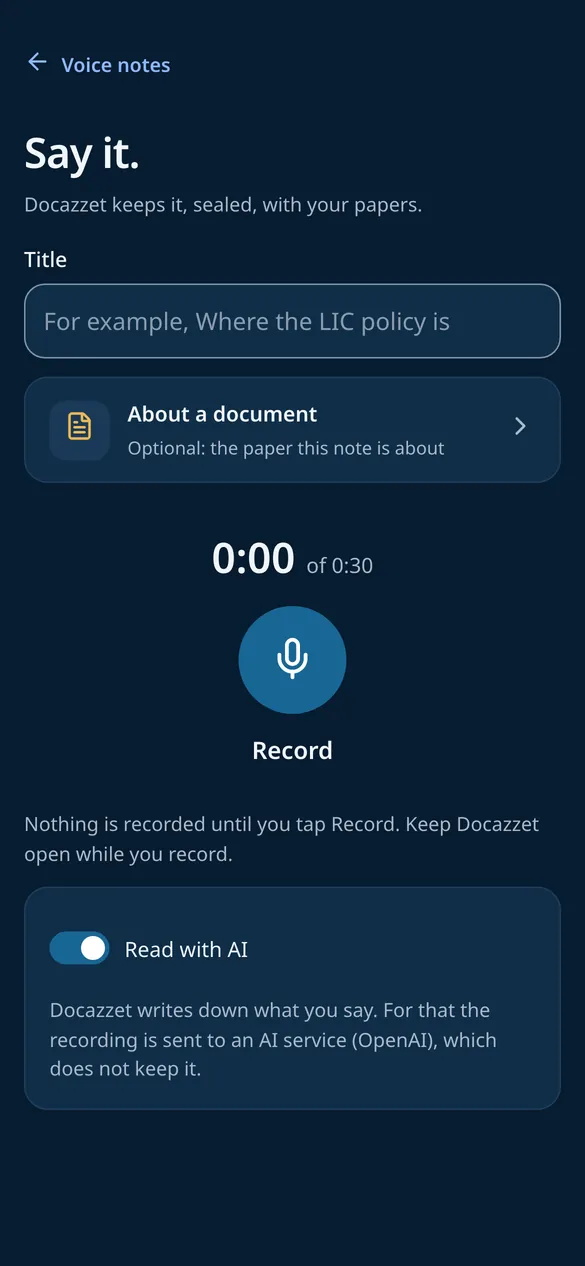
Say it, and DocAzzet writes it down
Record up to 30 seconds about where a paper is or what it is for. DocAzzet writes down what you said, in Hindi and Gujarati too, and Find and Ask can use it.
- Up to 30 seconds
- Linked to a paper
- Kept sealed, like your papers
In testing
Your SMS, made sense of
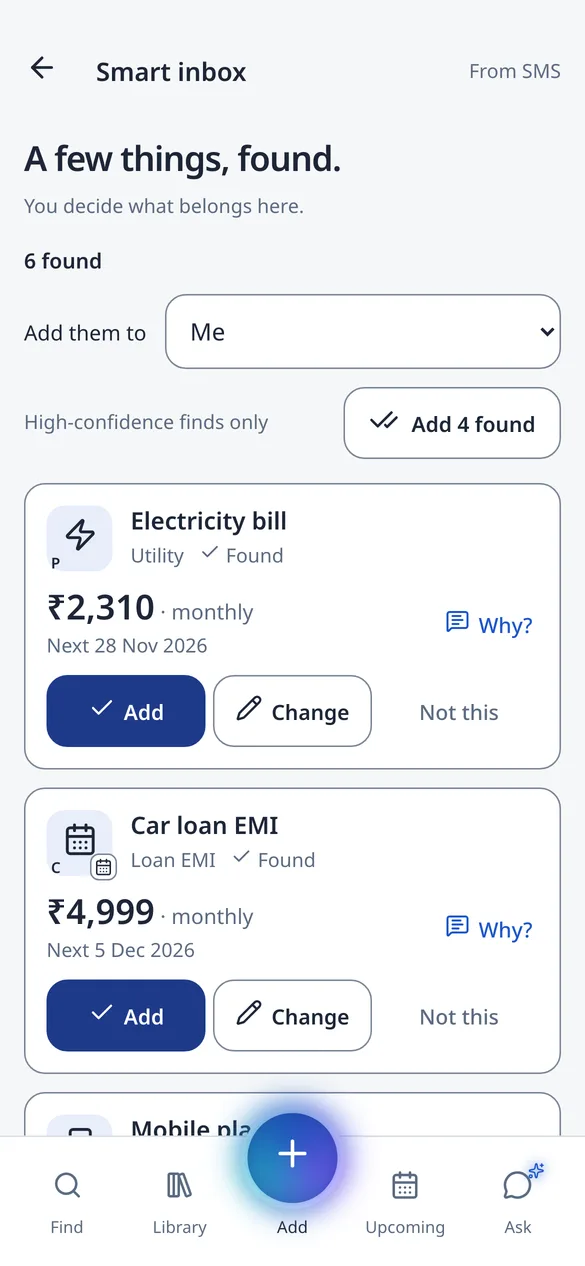
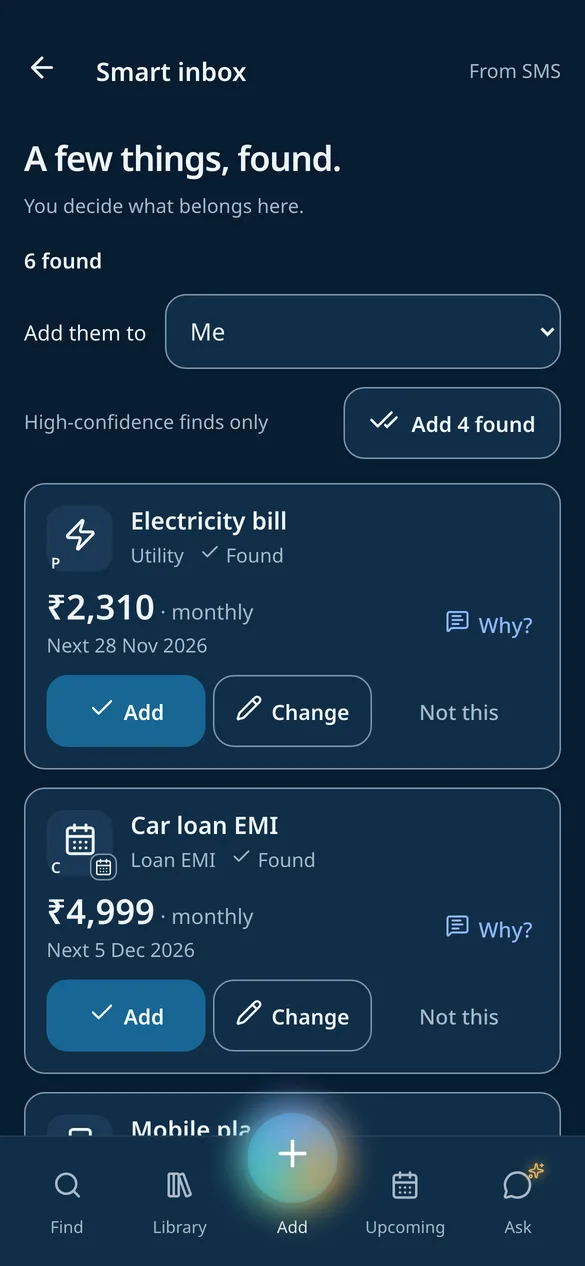
Tap Scan and DocAzzet reads your business SMS to find bills, EMIs and premiums for the family calendar. Messages from people and OTPs are dropped on the phone, and nothing is added until you say yes.
- Bills, EMIs and premiums
- Personal SMS stay on the phone
- You approve each one
Self-attested copies, without the photocopy shop
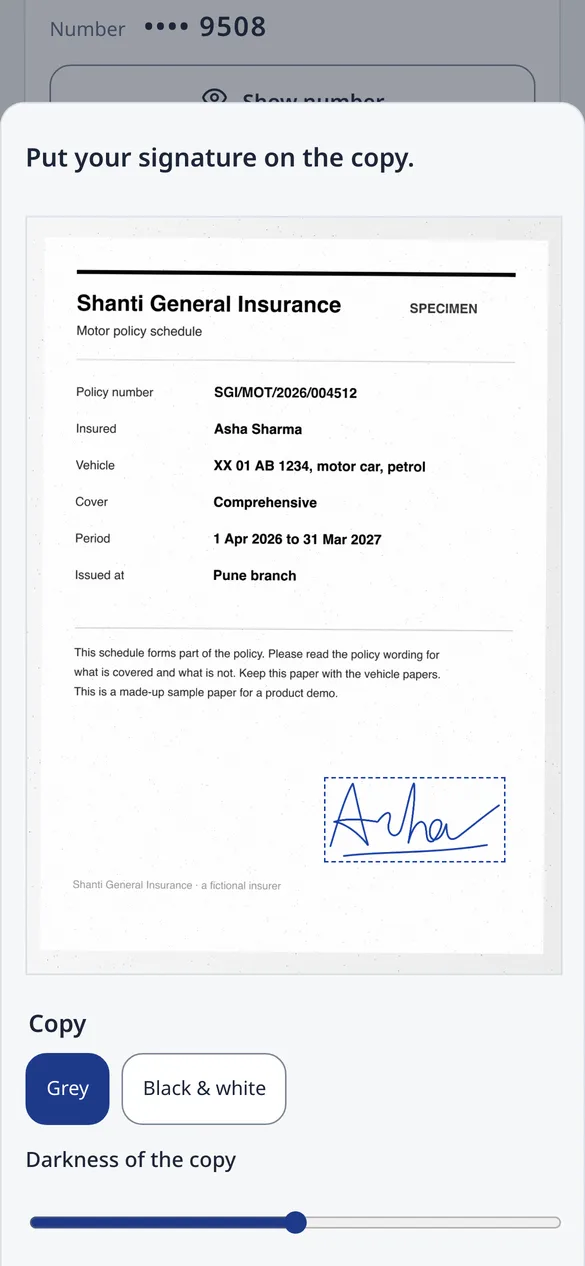
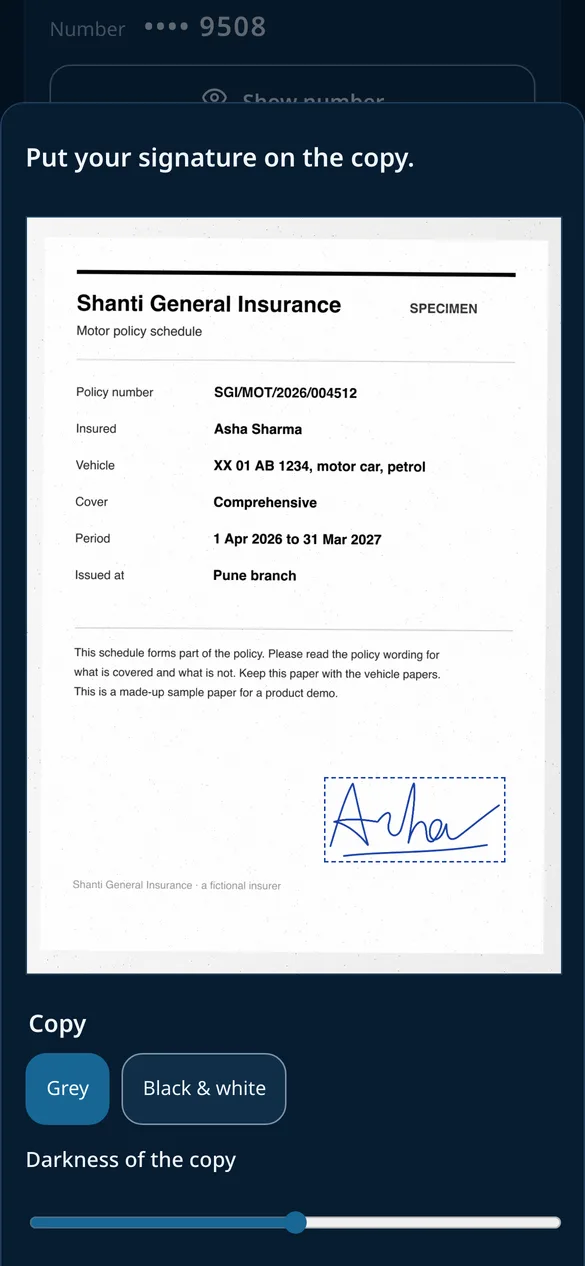
DocAzzet makes an A4 photocopy of the page and puts your signature on it, wherever you place it. Send it as a PDF or a picture. Your signature stays on your phone.
- A4, grey or black and white
- Place and size your signature
- PDF or picture
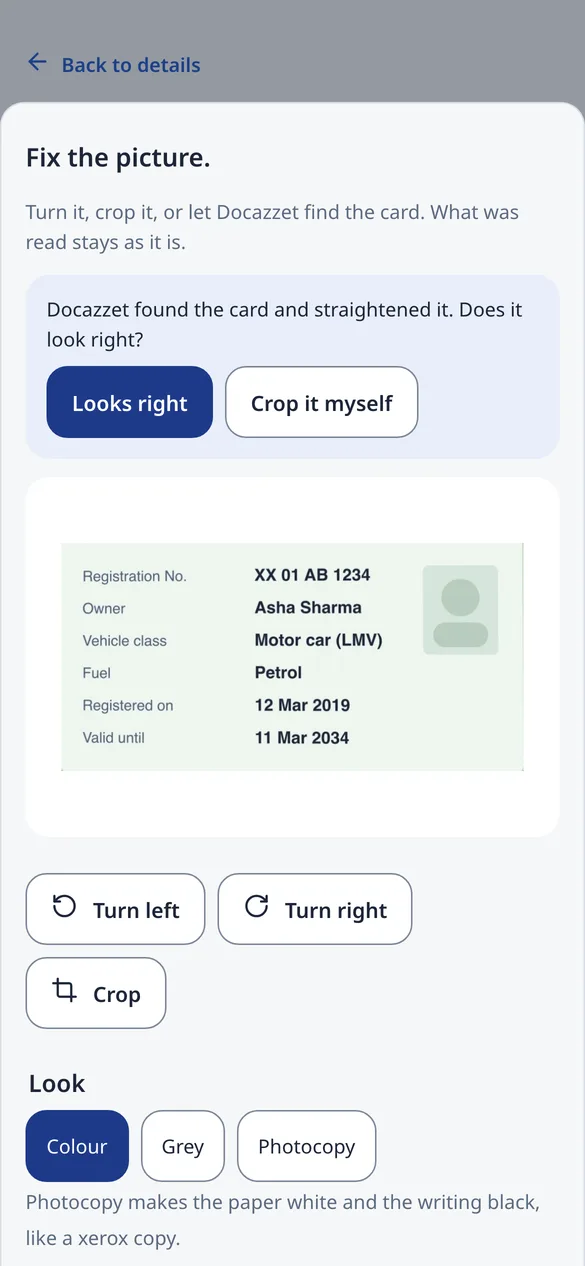
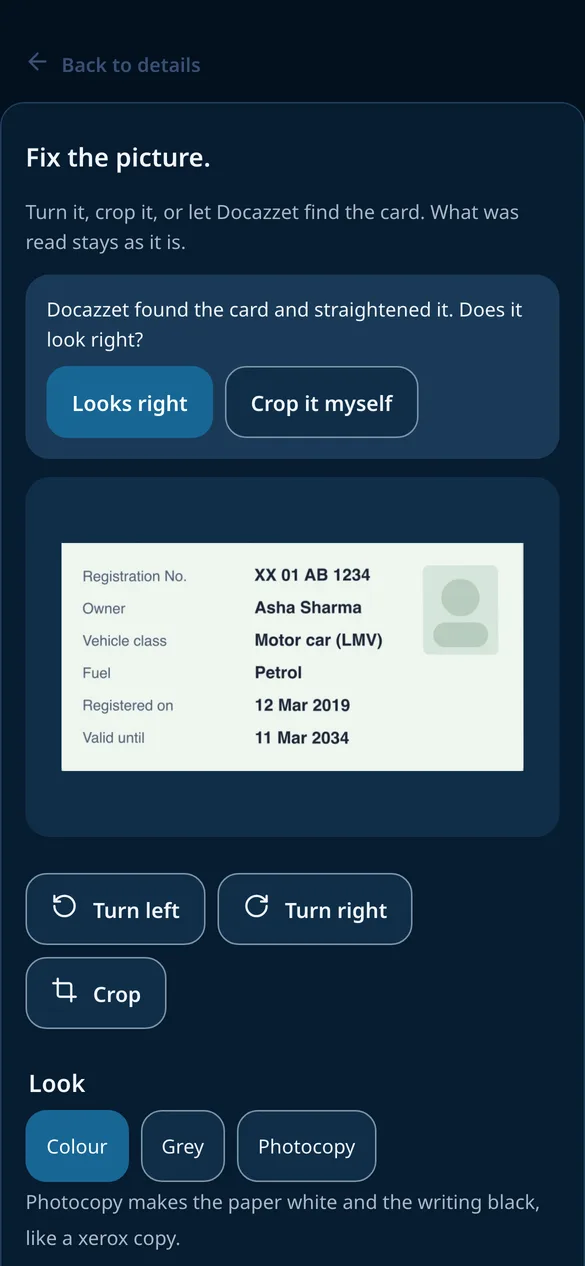
Crop and straighten any photo
Took the photo on a table? DocAzzet finds the card and straightens it. Turn it, crop it yourself, and choose Colour, Grey or Photocopy. What was read stays as it is.
- Finds the card for you
- Turn and crop
- Colour, Grey or Photocopy
Safety and encryption
Sealed at every step, opened only by you
Six locks stand between your family’s papers and anyone else. In plain words, the way the app’s own privacy page says it.
-
Opens only with your PIN
The vault opens with your PIN, or your fingerprint or face on Android, even when a file is shared in from another app. The lock screen only ever shows how many reminders are due.
-
Every file sealed, one by one
Each file is encrypted with a key of its own for your family before it is stored, and the stores are encrypted as well.
-
ID numbers locked again
Aadhaar, PAN and policy numbers are encrypted with a separate key and shown masked. Your PIN shows the full number, and every time it is shown or copied is logged.
-
Kept where you choose
In DocAzzet’s cloud, on servers in India, or in your own Google Drive, encrypted by DocAzzet so Google can’t read the files. DocAzzet sees only the folder it made there.
-
AI that does not train on your papers
Pages are read by AI services whose paid terms say they do not train on what is sent. Search and Ask use a copy with ID numbers, phone numbers and family names masked.
-
Passwords only you can open
Locked on your phone with a key that never leaves it. DocAzzet cannot open, read, recover or reset your passwords vault.
- Never sold, never used for ads
- Personal SMS and OTPs never leave the phone
- Your signature stays on your phone
- Offline shelf without ID numbers or files
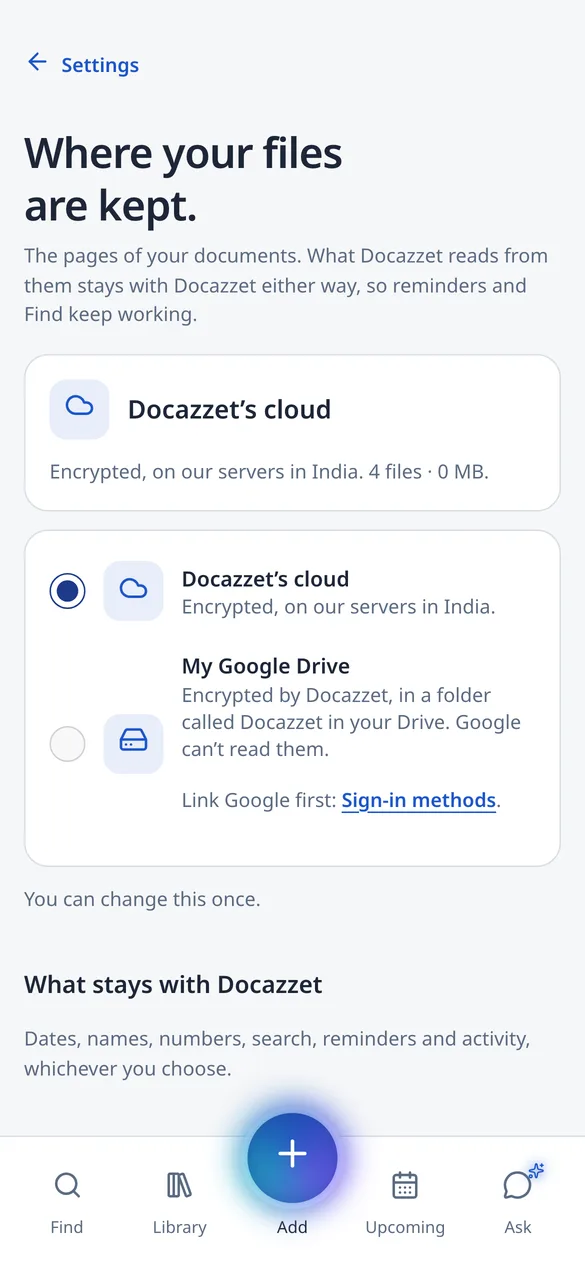
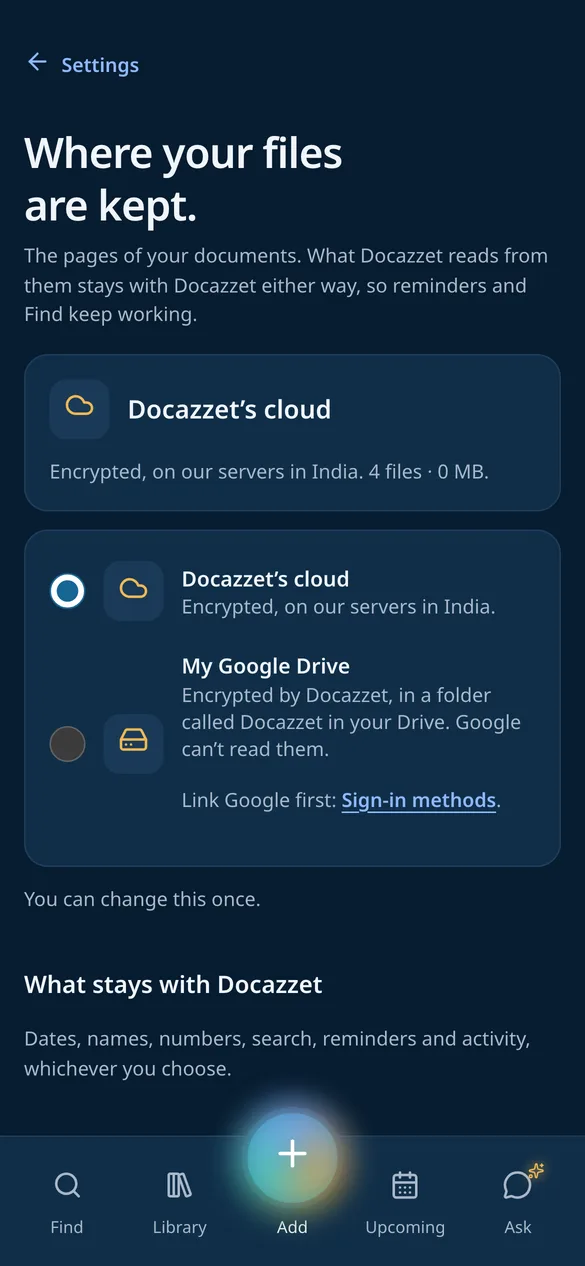
Encrypted · India
What it does
One safe place for every family paper
DocAzzet is a family document vault with an AI assistant, made by MusingBrain. Keep Aadhaar, PAN, policies, bills and reports for everyone at home in one place, get a reminder before things expire, and ask questions in your own words. In private beta.
-
Every family paper, in one place.
Aadhaar, PAN, policies, bills and reports for everyone at home, kept safe and easy to find.
-
A reminder before things expire.
DocAzzet reads the dates and tells you before a policy, a licence or a PUC runs out.
-
Ask, and see the page it came from.
Ask in your own words. The answer shows the very page it was found on.
Keep and find
-
Scan with Google’s document scannerAndroid
Google ML Kit’s scanner crops and straightens the page, with Original, Grey, Auto and Black-and-white looks. It works on a photo from the gallery too.
-
Fix the picture
Turn it, drag the four corners to crop, and choose Colour, Grey or Photocopy. DocAzzet finds the card and straightens it for you, and can keep the original too.
-
Add from anywhere
Choose a file, pick it from Google Drive, or share PDFs and photos in from WhatsApp, Gmail or Files.
-
Global search
One search box for the whole family’s papers. Search by meaning, an ID number, a person’s name, a tag or the kind of paper: “mother’s lab report”, “car insurance”.
-
My IDs
One card per ID for everyone at home, showing only the last four digits. Your PIN shows the full number.
-
Family tree and folders
Everyone at home on a family tree. Each person is a folder that fills itself with their papers; add your own folders inside, up to five deep, and move them.
-
Tags in your own words
Put up to three of your own words on a paper, like “school”, “2024 tax” or “to renew”. Find shows everything under a tag, and Ask can answer from them.
Ask and remember
-
Ask DocAzzet
Ask in your own words. Answers come only from your documents, with a link to the very page. If it is not there, DocAzzet says so.
-
Voice notes
Say where a paper is, or what it is for, in up to 30 seconds. DocAzzet writes it down, Hindi and Gujarati speech too, and Find and Ask can use it.
-
Reminders before things expire
DocAzzet reads the dates and tells you before a policy, a licence or a PUC runs out, all on one family calendar.
Share and attest
-
Share to WhatsApp and email
Send a copy by WhatsApp or email, or save it to the phone. Every send has a confirm step, ID and medical papers ask for your PIN again, and each one is logged.
-
A link for one day
Make a download link that works for 24 hours, then see and turn off your links any time.
-
Self-attested copies
A photocopy-style A4 copy of the page with your signature on it, as a PDF or a picture. Draw your signature or take it from your PAN card; it stays on your phone.
Keep it private
-
PasswordsAndroid
Usernames and passwords locked on your phone with a key that never leaves it. A recovery code shown once, a password maker, and warnings for weak or reused passwords.
-
PIN and fingerprint
The vault opens with your PIN, or with your fingerprint or face on Android.
-
Light and dark
The app comes in a light and a dark theme, or follows your phone.
-
Smart inbox for SMSIn testing
Reads your business SMS once, when you tap, to find subscriptions, EMIs and card bills for you to approve. Personal messages and OTPs are dropped on the phone.
Private beta
Be one of the first families on DocAzzet
A few friends and families are trying DocAzzet before anyone else. Write to us to ask for early access, or with any question about the app.